Upload Invoices
Use this screen to upload invoices that arrived by email, mail, or fax.
You should note the following important information about uploading invoices.
If you are assigned to multiple locations, make sure you are logged in to the correct location when you upload. Invoices cannot be moved to another location.
Invoices must be in PDF format to upload correctly. Paper invoices will have to be scanned and converted to PDF.
Tool Strip

| Button | Action |
|---|---|
| Upload | Click this button after you have placed an invoice in the Upload container to upload it. |
| Clear | Clears any selected invoices in the Upload container. |
Upload Container
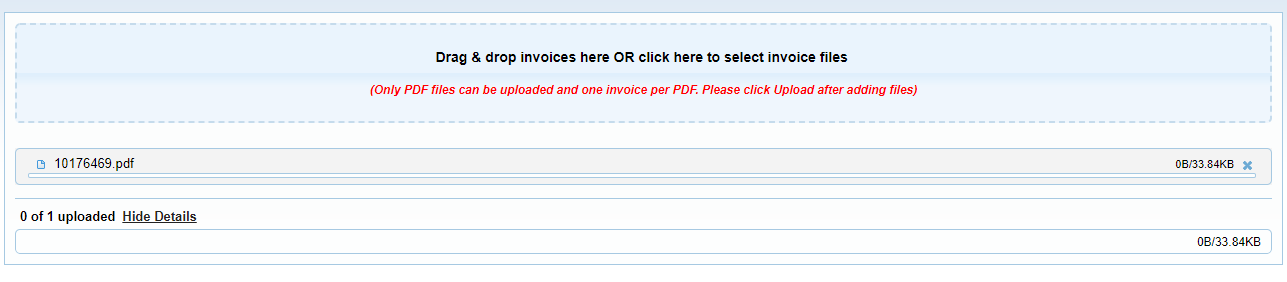
There are two methods for uploading invoices manually on this screen.
-
Drag the invoice document into this container from another folder on your computer.
-
Click the upload container to browse through your computer files and select it.
After adding the invoices you want to upload to the container, click Upload in the tool bar.
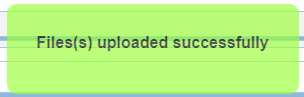
A notification will appear when your files have successfully uploaded.
Allow up to 24 hours for the invoice to show up in the portal.